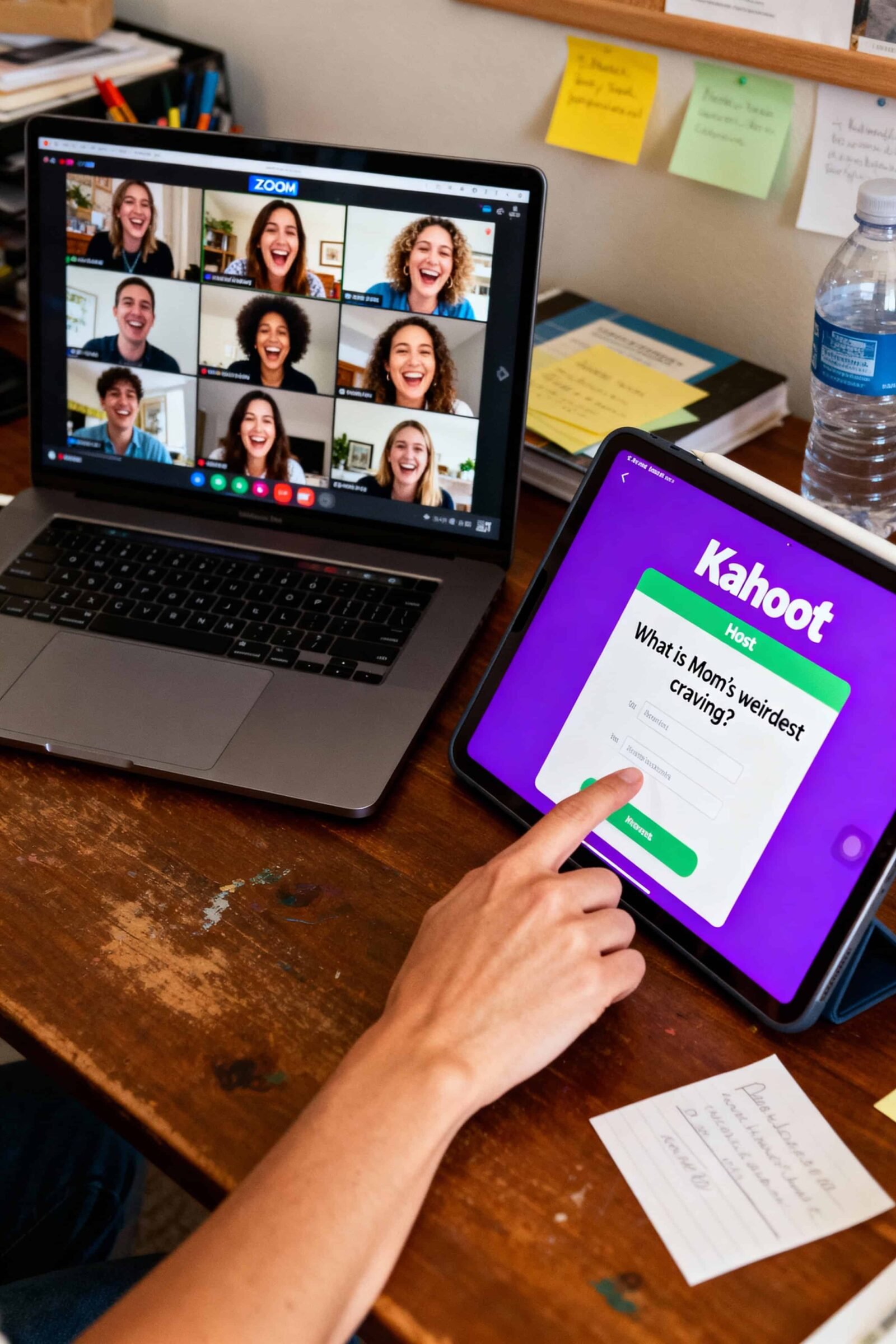
Planning a baby shower used to mean cucumber sandwiches, a local living room, and a pile of physical gifts. Today, distance doesn’t have to dampen the celebration. Whether you have family scattered across the globe or simply prefer a digital gathering, modern technology has made remote events just as touching as in-person ones. The key to success lies in choosing the right format—one that keeps guests connected rather than just staring at a screen.
In this guide, we explore the best virtual baby shower ideas to help you host a memorable event. From dedicated hosting platforms and high-energy escape rooms to essential gifting tools, these options ensure the parents-to-be feel showered with love, no matter the miles between you.
How We Chose & Ranked
To determine the best virtual baby shower options, we evaluated services based on four specific criteria, weighted by their importance to a successful remote event:
- Engagement & Interactivity (40%): Does the platform or idea prevent “Zoom fatigue”? We looked for features that encourage active participation rather than passive watching.
- Ease of Setup (30%): How difficult is it for the host to organize and for less tech-savvy relatives to join? High marks went to intuitive, browser-based solutions.
- Cost-Effectiveness (20%): We analyzed the value proposition, comparing free DIY methods against paid, premium experiences.
- Customization (10%): The ability to personalize themes, invites, and content to match the parents’ style.
The Top 6 Virtual Baby Shower Ideas
1. WebBabyShower

The Dedicated All-in-One Platform
Snapshot
- What it is: A specialized website builder and hosting platform designed exclusively for baby showers.
- Primary Use Case: Creating a central hub for invites, video calls, guestbooks, and games.
- Effort Level: Low (Templates provided).
- Ideal Fit: Hosts who want a polished, stress-free experience without managing multiple apps.
Key Details
WebBabyShower solves the fragmentation problem of virtual events. Instead of sending a Zoom link in one email and a registry link in another, this platform houses everything under one private URL. It includes built-in email invitations with RSVP tracking, a digital guestbook for leaving notes, and a photo/video album. Crucially, it comes with pre-programmed interactive games (like “Jeopardy” or “Guess the Baby Price”), so you don’t have to build them yourself. You can use their built-in video chat or integrate your preferred service like Zoom or Skype directly into the page.
Price & Evidence
$79 USD (One-time payment) at WebBabyShower — checked on November 24, 2025.
- Note: This “Mini Plan” covers 6 months of site hosting. A 12-month plan is available for approx $120.
Pros
- Private & Secure: Not searchable on Google; only guests with the link can access.
- Built-in Gaming: Comes with scoreboards and interactive trivia tailored to baby themes.
- Flexibility: Guests can visit the site and sign the guestbook days before or after the live event.
Cons
- Cost: It is a paid service, whereas DIY options are free.
- Theme Limits: While customizable, you are working within their templates rather than coding from scratch.
Use Cases
- The “Week-Long” Shower: Guests leave video messages and play games asynchronously throughout the week, culminating in a live gift opening on Saturday.
- The Non-Tech Family: You need a single link that “just works” for Grandma without her needing to download new apps.
Why It Ranks
WebBabyShower takes the #1 spot because it is purpose-built for this specific need. It scores highest on Ease of Setup and Engagement because the games are ready-to-play, removing the pressure on the host to be an entertainer.
Where to Learn More
Visit the official WebBabyShower Pricing & Features page.
2. Zoom Workplace Pro + Kahoot!
The Best DIY & Budget Combination
Snapshot
- What it is: Using the industry-standard video tool combined with a third-party quiz maker.
- Primary Use Case: Flexible, live interaction for medium-to-large groups.
- Skill Level: Medium (Requires managing two screens/tabs).
- Ideal Fit: Hosts on a budget who are comfortable acting as an emcee.
Key Details
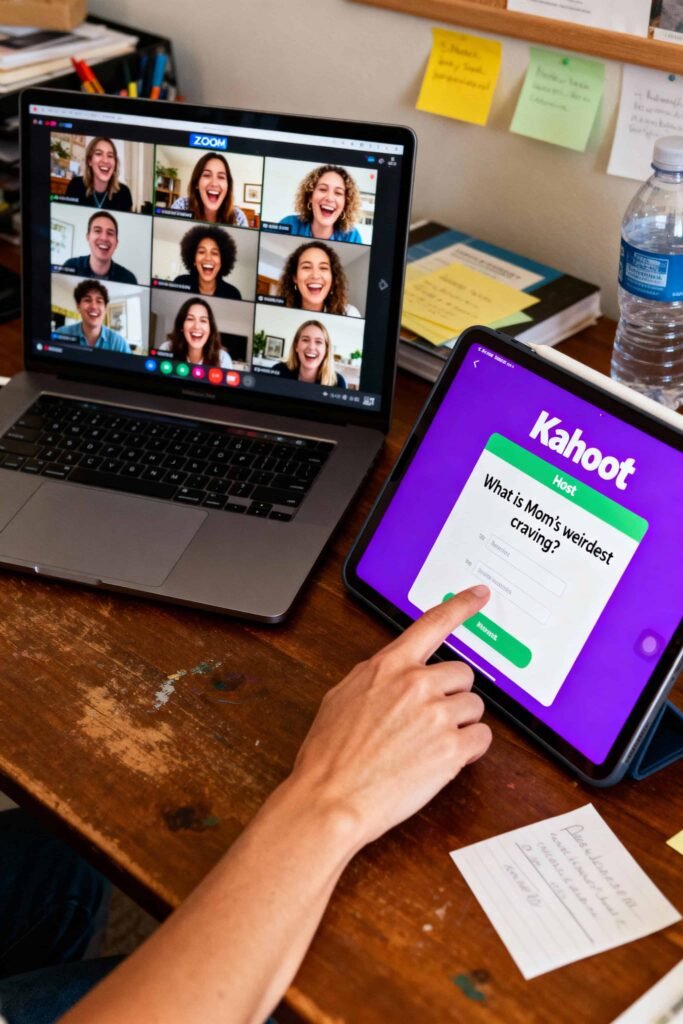
Everyone knows Zoom, which removes the barrier to entry for guests. However, a free Zoom account cuts off after 40 minutes—a disaster for a party. Upgrading to Pro allows for unlimited time. To make it a “shower” rather than a meeting, pair it with Kahoot!, a game platform where you can create custom trivia about the parents. You share your screen on Zoom, and guests use their phones to buzz in answers.
Price & Evidence
$15.99 USD/month at Zoom (Pro Plan) — checked on November 24, 2025.
- Kahoot!: Free for basic personal use; premium upgrades start around $3.99/month.
- Alternative: The Zoom Basic plan is free but strictly limited to 40 minutes for group calls.
Pros
- Reliability: High-quality video and audio connection.
- Familiarity: Most guests likely already have the app installed.
- Breakout Rooms: Great for splitting large parties into smaller chat groups so everyone can talk.
Cons
- “Corporate” Feel: Can feel like a work meeting if not decorated with fun backgrounds/music.
- Host Pressure: You must manage the tech, the waiting room, and the entertainment simultaneously.
Use Cases
- The Trivia Night: A shower focused entirely on competitive games about the parents’ history.
- Large Groups: Using breakout rooms to let college friends catch up separately from the aunts and uncles.
Why It Ranks
This ranks second due to Cost-Effectiveness and Accessibility. It requires more effort from the host than WebBabyShower, but it remains the most versatile option for those willing to do the legwork.
Where to Learn More
Check out Zoom Workplace Pro plans and Kahoot! Personal plans.
3. The Escape Game (Remote Adventures)

The Best for High Engagement
Snapshot
- What it is: A live, guided virtual escape room experience.
- Primary Use Case: Active team-building style fun for smaller groups (or broken into teams).
- Skill Level: Low (Fully guided).
- Ideal Fit: Groups who hate small talk and prefer solving puzzles together.
Key Details
If the parents-to-be cringe at the thought of opening gifts on camera, this is the perfect alternative. You log into a Zoom stream where a live “Game Guide” is physically located in an escape room in Nashville or Orlando. Your group shouts out commands (“Open that drawer!”, “Look at the map!”), and the guide acts as your avatar. It’s incredibly immersive and forces everyone to communicate and work together, completely eliminating awkward silences.
Price & Evidence
~$35 USD per person at The Escape Game — checked on November 24, 2025.
- Capacity: Typically accommodates up to 8–10 players per virtual room. Larger groups can split into competing teams.
Pros
- Zero Awkwardness: The activity drives the conversation 100%.
- High Production Value: Real sets and live actors, not just a click-and-point web game.
- Memorable: Far more unique than a standard video call.
Cons
- Cost: significantly more expensive than DIY options.
- Group Size: Best for intimate showers or specific friend groups rather than a 50-person guest list.
Use Cases
- The “Jack & Jill” Shower: Excellent for co-ed showers where you want to engage both the mom and dad’s friends.
- The Introvert’s Shower: Perfect for a mom-to-be who dislikes being the center of attention.
Why It Ranks
We ranked this high for Engagement. It received the top score for “Activity Quality,” offering a premium experience that feels like a genuine event rather than a video call.
Where to Learn More
Book a room at The Escape Game Remote Adventures.
4. Classpop! Virtual Mixology or Cooking

The Best Shared Experience
Snapshot
- What it is: Live, chef-led workshops where guests make mocktails or snacks together.
- Primary Use Case: Learning a new skill while celebrating.
- Skill Level: Beginner to Intermediate.
- Ideal Fit: Foodie parents or groups who enjoy hands-on activities.
Key Details
Classpop! (and similar platforms like Confetti) offers virtual classes hosted by professional chefs. For a baby shower, a “Mocktail Mixology” class is ideal. Guests receive a shopping list beforehand (or a kit shipped to them, for a higher price), and everyone spends an hour muddling fruit and shaking drinks together. It provides a shared sensory experience—everyone is tasting the same thing at the same time—which bridges the physical distance.
Price & Evidence
~$19 – $29 USD per device (varies by class) at Classpop! — checked on November 24, 2025.
- Note: Classes with shipped ingredient kits can cost significantly more ($90+ per person). “Bring Your Own Ingredients” options are the budget-friendly choice.
Pros
- Interactive: Keeps hands busy and vibes high.
- Inclusive: Mocktail classes allow the pregnant mom to participate fully, while guests can spike their drinks if they wish.
- Structure: A professional host runs the show, taking pressure off the organizer.
Cons
- Logistics: Guests must buy their own ingredients beforehand (for the BYO option).
- Scheduling: You must book a specific time slot with a chef.
Use Cases
- The Brunch Shower: A Saturday morning pancake-making or mocktail class.
- The Craving Theme: A cooking class focused on the mom-to-be’s specific pregnancy craving (e.g., pickles or tacos).
Why It Ranks
This ranks for Customization and Experience. It transforms a standard call into a party atmosphere. We specifically chose Classpop! for its accessibility in pricing compared to corporate-focused vendors.
Where to Learn More
Browse classes at Classpop! Online.
5. Babylist

The Essential Gifting Tool
Snapshot
- What it is: A universal baby registry aggregator.
- Primary Use Case: Letting guests buy gifts from any store to be shipped directly to the parents.
- Skill Level: Very Low.
- Ideal Fit: All remote showers (essential add-on).
Key Details
While not a “venue,” Babylist is the infrastructure that makes virtual showers possible. Unlike store-specific registries (like Target or Amazon), Babylist lets parents add items from Etsy, small boutiques, or big-box stores onto a single list. Crucially for remote events, it emphasizes shipping addresses and tracks who bought what, making thank-you notes easier. It also allows for “Help and Favors” coupons (like “home-cooked meal drop-off”) and cash funds.
Price & Evidence
Free to use for registrants and buyers — checked on November 24, 2025.
- Perk: Offers a 15% registry completion discount (restrictions apply).
Pros
- Universal: Add items from literally any website.
- Cash Funds: Easy way to ask for diaper funds or college savings without awkwardness.
- Price Comparison: Shows guests multiple retailers for the same item so they can find the best deal.
Cons
- Third-Party Checkout: Guests are often redirected to other sites to buy, then must return to mark the item as “purchased,” which some older relatives find confusing.
Use Cases
- The Specific Taste: Parents who want eco-friendly items from niche stores that don’t have their own robust registries.
- The “Green” Shower: Asking for secondhand items or contributions to a diaper fund.
Why It Ranks
Babylist is the logistical backbone of a remote shower. It ranks for Utility. Without a seamless way to ship gifts to the parents’ door, the “shower” aspect of the event falls apart.
Where to Learn More
Start a registry at Babylist.com.
6. Kudoboard

The Best Virtual Guestbook
Snapshot
- What it is: An online group greeting card and multimedia board.
- Primary Use Case: Collecting well-wishes, photos, and advice in a permanent digital format.
- Skill Level: Low.
- Ideal Fit: Replaces the physical guestbook or “signed picture frame.”
Key Details
In a physical shower, you pass around a book. In a virtual shower, you use Kudoboard. You create a board, send the link to guests (even those who can’t attend the Zoom), and they post messages, GIFs, photos, or video clips. The result is a vibrant, scrolling collage of love. You can play the board as a slideshow during the event, and later, the parents can print it as a physical hardcover book.
Price & Evidence
$5.99 USD (Lite Board) or $19.99 USD (Milestone Board) at Kudoboard — checked on November 24, 2025.
- Lite: Up to 20 contributors.
- Milestone: Unlimited contributors (best for big showers).
Pros
- Asynchronous: Perfect for friends in different time zones who can’t make the live call.
- Visual: Much more engaging than a list of text emails.
- Physical Option: The ability to print the board as a book makes it a tangible keepsake.
Cons
- Cost: Free version is very limited (only 10 posts).
- Video Limits: Standard plans have limits on the length of video uploads.
Use Cases
- The Surprise: Gather messages secretly beforehand and reveal the board live during the call to make the mom cry (happy tears!).
- The Advice Board: Ask every guest to post their #1 parenting tip.
Why It Ranks
Kudoboard secures the final spot for Sentimentality. Virtual events often lack “heart,” and this tool brings the emotional connection back by allowing thoughtful, recorded messages that last longer than a ephemeral video chat.
Where to Learn More
Create a board at Kudoboard Pricing.